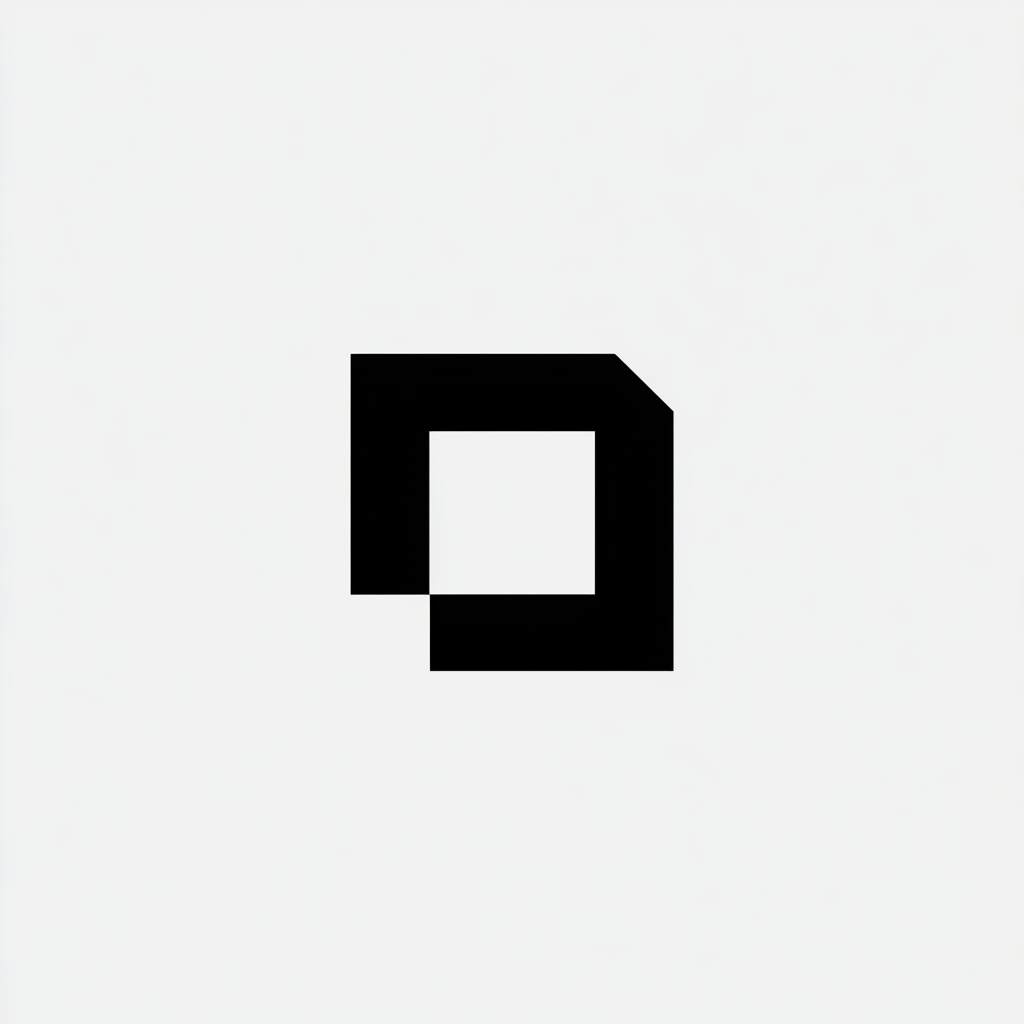
How to prompt GPT Image 2 for logos and brand marks
The four-block prompt structure that gets clean, scalable, on-brief logo concepts — not generic AI mush.
The four-block structure
Every logo prompt that gets a usable result has four blocks:
- Concept — what the brand is, what it stands for, one metaphor
- Mark type — wordmark, monogram, symbol, emblem, lockup
- Type system — font character (geometric sans, humanist serif, etc.)
- Finish — flat vs dimensional, color count, background
Working template
Logo design for "[BRAND NAME]", a [one-line description of the company]. Style: minimalist [mark type], inspired by [one reference: Swiss design / 70s record labels / modernist architecture]. Mark concept: [single metaphor — e.g. "an abstract mountain formed from two overlapping triangles"]. Typography: geometric sans, lowercase, tight letter-spacing. Flat, single-color (deep navy on off-white), no gradients, no 3D, no drop shadows. Centered on a clean white background, generous padding. Vector-style, scalable, professional brand identity.
Why each block matters
Concept
The single biggest reason AI logos look generic: no anchor. "A logo for a coffee shop" gives you a generic cup-and-steam mark. "A logo for a coffee shop, mark concept: a single coffee bean formed from a crescent moon" gives you a real idea.
One metaphor. One sentence. That's the concept block.
Mark type
Pick one and name it:
- Wordmark — the name styled as the logo (Google, eBay)
- Monogram — initials as the mark (HBO, IBM)
- Symbol — abstract or representational mark (Nike swoosh, Apple)
- Emblem — text inside a contained shape (Starbucks, Harley)
- Lockup — symbol + wordmark side by side
Mixing types confuses the model. Pick one per generation.
Type system
Don't say "modern font." Say:
- "Geometric sans, lowercase, tight letter-spacing" (Futura territory)
- "Humanist sans, sentence case, generous tracking" (Gill Sans territory)
- "Slab serif, all caps, condensed" (newspaper / sports brand)
- "Neo-grotesque, all caps, standard tracking" (Helvetica territory)
Finish
This is the constraint block that kills the AI-mush look:
- Flat, single-color, no gradients, no 3D, no drop shadows — forces real logo territory
- Centered on a clean white background, generous padding — gives you a usable crop
- Vector-style, scalable — pushes toward simple shapes, not photorealistic
Common failure modes
Too many adjectives. "Modern minimalist playful elegant bold sophisticated logo" → muddy generic mark. Pick two adjectives max.
No background spec. Model defaults to busy texture. Always specify "clean white background."
Asking for text without quoting it. Always put the brand name in quotes. Otherwise the model renders a phonetic guess.
Skip the rewrite
Depikt's generator detects logo intent and applies this four-block structure automatically. Browse the library for logo prompt examples you can copy directly, or grab a ready-made recipe from the prompt templates index.
Generate yours
Generate polished prompts in seconds.
Paste a rough idea. Get back a structured prompt that ships.
More in How-to
How to prompt GPT Image 2 for infographics and diagrams
GPT Image 2 can render genuinely usable infographics — but only if you treat the prompt like a brief, not a vibe. Here's the five-block structure: format, hierarchy, data, type system, and finish.
How-toHow to prompt GPT Image 2 for UI mockups
GPT Image 2 can render screens that look like real product design — clean grids, legible labels, real-feeling components. The trick is prompting it like a designer briefing a junior, not like an artist describing a feeling.